
Meta Ads Manager: The Complete Guide to Creating, Managing, and Scaling High-Performance Ads
In today’s competitive digital advertising landscape, businesses need more than just attractive creatives—they need a powerful system to manage, optimize, and scale campaigns efficiently. Meta Ads Manager is the central platform that allows advertisers to run ads across Facebook, Instagram, Messenger, and the Audience Network with complete control and advanced targeting capabilities.
Whether you’re a beginner or an experienced marketer, understanding how Meta Ads Manager works can significantly improve your advertising performance and return on investment.
What Is Meta Ads Manager?
Meta Ads Manager is an all-in-one advertising dashboard provided by Meta that allows businesses to create, manage, track, and optimize ad campaigns across Meta’s ecosystem. Unlike boosted posts, this tool offers granular control over budgets, audiences, placements, creatives, and performance tracking.
With Meta Ads Manager, advertisers can run data-driven campaigns tailored to specific business goals such as brand awareness, lead generation, website traffic, or sales conversions.
Why Meta Ads Manager Is Essential for Advertisers
Meta Ads Manager is designed for scalability and precision. It provides professional tools that help advertisers make informed decisions based on real-time data.
Key Benefits :
Advanced audience targeting and retargeting
Detailed performance analytics and reporting
Full control over ad placements and budgets
A/B testing for creatives and audiences
Seamless scaling for growing campaigns
For businesses aiming to grow consistently, Meta Ads Manager is not optional—it’s essential.
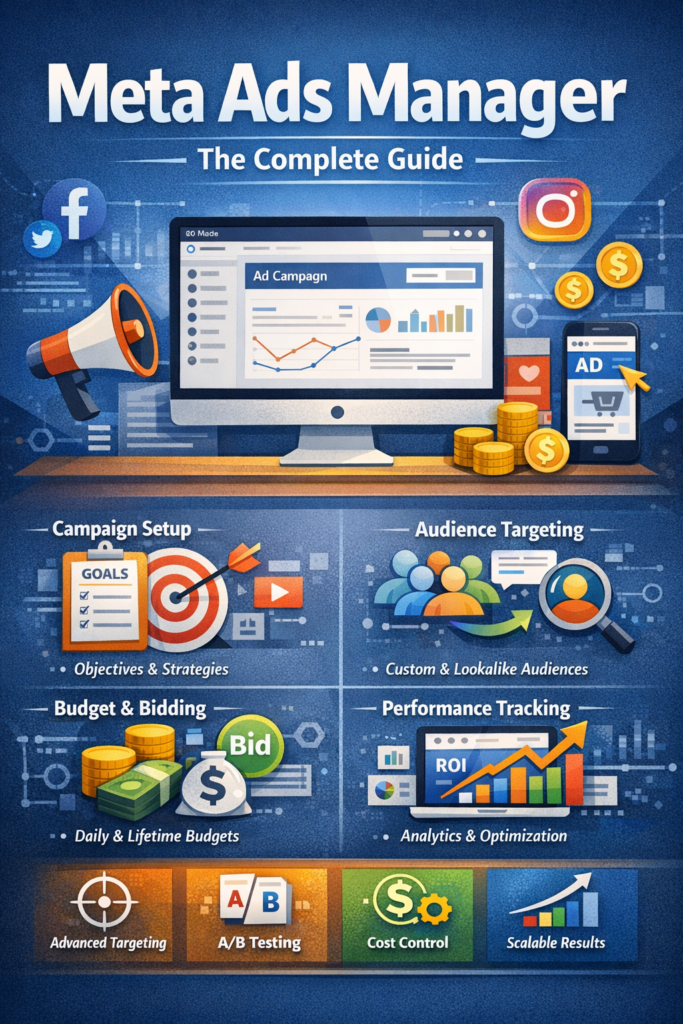
How Meta Ads Manager Works
It operates using a three-level campaign structure, which helps advertisers organize campaigns strategically.
Campaign Level
At this level, you select your advertising objective such as traffic, engagement, leads, or conversions. Choosing the right objective is critical because Meta’s algorithm optimizes delivery based on this selection.
Ad Set Level
The ad set is where targeting, budget, schedule, and placements are defined. This is the most important level for performance optimization because it controls who sees your ads and how often.
Ad Level
This is where creatives live. You upload images, videos, ad copy, headlines, and call-to-action buttons. This allows multiple ad variations within one ad set to test performance.
Audience Targeting :-
One of the strongest features of Meta Ads Manager is its audience targeting system. Advertisers can reach users based on demographics, interests, behaviors, and past interactions.
Types of Audiences
Core Audiences: Target users based on age, location, interests, and behaviors
Custom Audiences: Retarget website visitors, app users, or existing customers
Lookalike Audiences: Reach new users similar to your best-performing audience
Using the right audience strategy inside Meta Ads Manager significantly improves conversion rates and lowers ad costs.
Budgeting and Bidding Strategies
It offers flexible budgeting options to suit both small and large advertisers.
You can choose:
Daily Budget for consistent spend
Lifetime Budget for fixed campaign durations
Bidding options such as lowest cost or cost cap help control ad spend while maximizing results. Experienced advertisers often use Meta Ads Manager bidding controls to scale profitable campaigns without overspending.
Tracking and Performance Optimization
Performance tracking is where Meta Ads Manager truly shines. The platform provides detailed metrics such as impressions, reach, CTR, CPC, CPA, and ROAS.
Best Optimization Practices
Monitor performance daily
Pause low-performing ads quickly
Scale winning ad sets gradually
Refresh creatives regularly
Use breakdown reports for deeper insights
By consistently analyzing data in Meta Ads Manager, advertisers can make smarter decisions and improve long-term profitability.
Common Mistakes to Avoid
Even powerful tools can fail if used incorrectly. Many advertisers misuse it due to lack of strategy.
Avoid these mistakes:
Targeting overly broad or irrelevant audiences
Scaling budgets too aggressively
Ignoring creative fatigue
Not using conversion tracking properly
Making frequent changes without data
Staying disciplined and data-focused is the key to success with Meta Ads Manager.
Why Meta Ads Manager Builds Trust and Authority
From an E-E-A-T perspective, it is trusted by millions of businesses worldwide because it’s transparent, data-driven, and continuously updated. Advertisers gain experience through testing, expertise through analytics, authority through scalable performance, and trust through consistent results.
When used correctly, it becomes a long-term growth engine rather than a short-term advertising tool.
Final Thoughts
Meta Ads Manager is more than just an ad dashboard—it’s a complete performance marketing system. By mastering campaign structure, audience targeting, budgeting, and optimization, businesses can unlock sustainable growth across Meta platforms.
If your goal is to build profitable, scalable advertising campaigns backed by data and strategy, it is the foundation you need.